

 Text to Vector
Turn text into SVG vectorsSharp at any size.
Describe it, get an SVG you can edit and print.
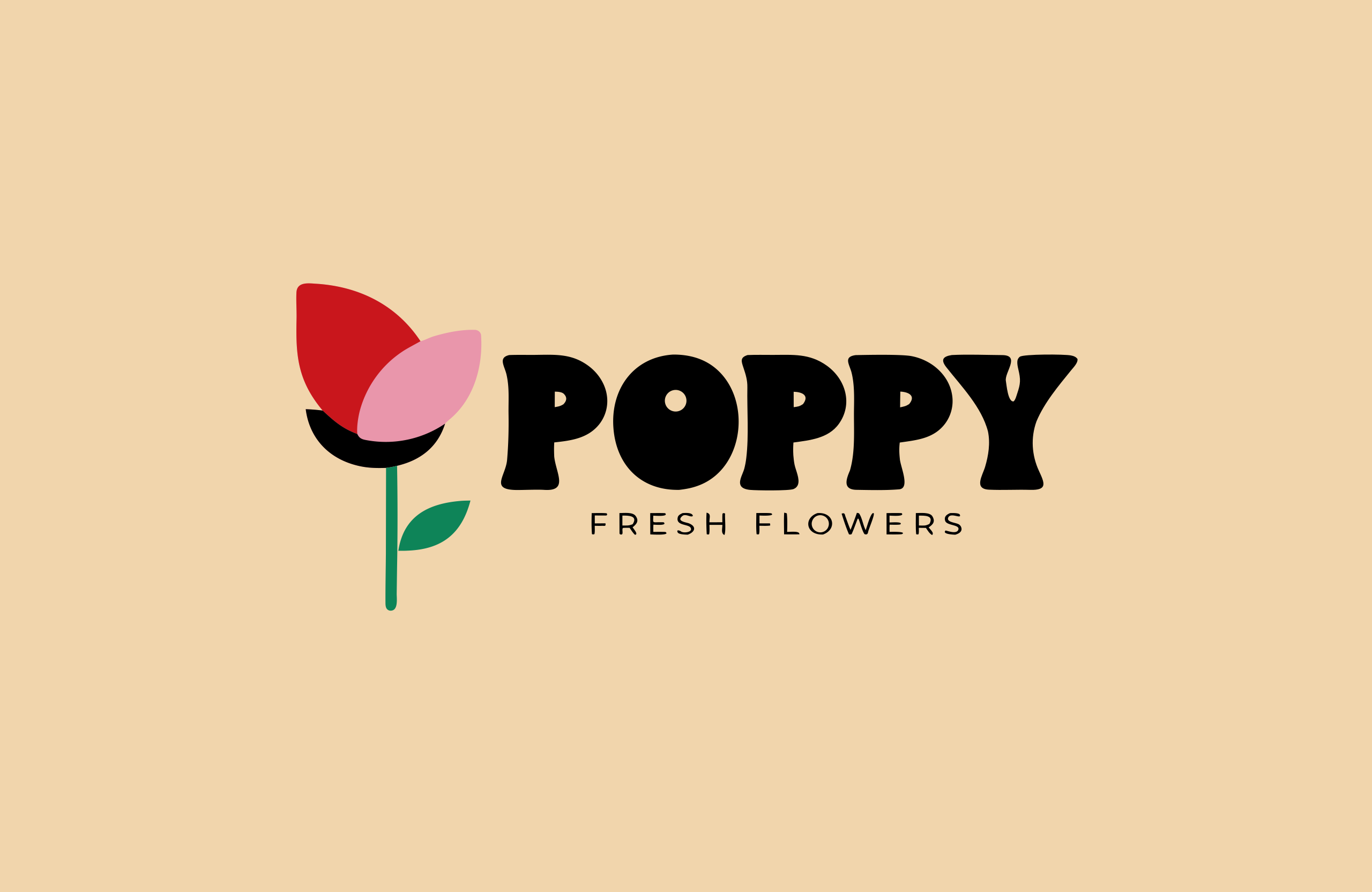


Real vectors, each from a single prompt.
Pick one: its prompt goes into the box above, ready to generate.
A logo that never blurs, from favicon to billboard.


- Sharp at any sizeFrom a favicon to a banner, the edges stay clean.
- EditableOpen it in Figma, Illustrator or Inkscape to change colors and shapes.
- Ready to printVector is the format printers and sign makers ask for.
Three steps to your SVG.
- 01Describe itA few words are enough: the subject, a style, colors.
- 02Generate your vectorThe AI draws it as vector shapes, ready to edit.
- 03Download the SVGUse it as is, or edit it in your design app.
Questions before you start
A vector image made of shapes rather than pixels, so it stays sharp at any size.
Yes. Each shape is separate, so you can change colors, move parts or delete them in any vector editor.
Figma, Adobe Illustrator, Inkscape, Affinity Designer, Canva and every web browser.
Yes. A vector has no resolution limit: the same file works on a business card and on a banner.
Logos, icons, illustrations, patterns, stickers and posters, in the style you describe.
Yes. Put the words in quotes in your prompt, like "BLADE & CO".