

 Object Remover
Remove objects from photosKeep what matters.
Brush over what you don't want. It disappears, and the background fills in naturally.

 Tourist removed
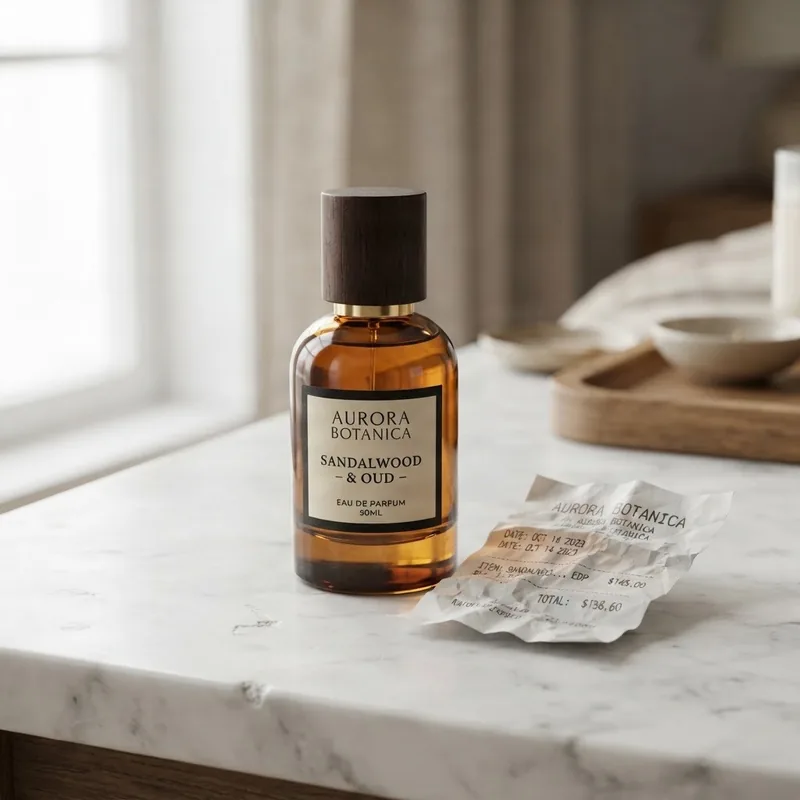
 Receipt removed

 Ball boy removed
Real photos, cleaned with one brush.
TravelTourists out of your travel shot
ProductA receipt off the product table
SportA ball boy out of the frame
Three steps to a clean photo.
- 01Add your photoDrop it on this page or pick it from your device.
- 02Brush what you want gonePaint over it. You can add a word too, like "the ball".
- 03Download the clean photoThe object is gone and the background is rebuilt.
For a clean result, every time.
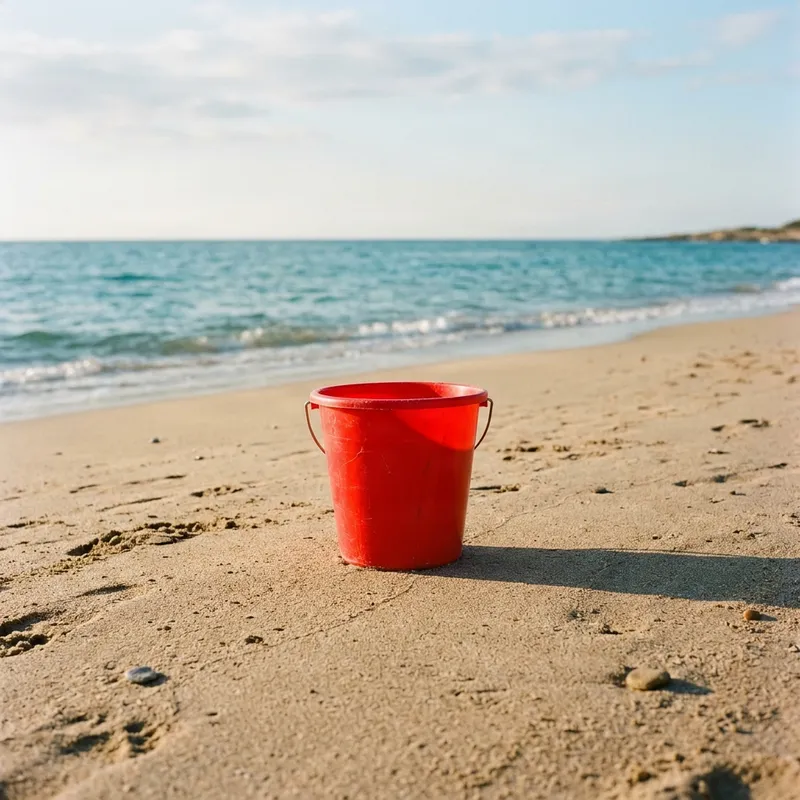
- Paint slightly beyond the edges of the object.
- Include its shadow or reflection in the brush.
- Remove one object at a time on busy photos.
- Objects that cover most of the photo.
- Small or very blurry images.
- Brushing only part of the object.
Questions before you start
JPG, JPEG, PNG, WEBP, HEIC images, up to 100 MB.
The AI rebuilds the area from what surrounds it. If a trace remains, brush it again.
People, objects, text, logos, wires: anything you can brush over.
No. ModifAI never uses your photos to train its AI models, and you can delete them from your account at any time.
No. You download the clean image, with no watermark.